Best Physical Buttons and Buzzers for Buzzinga
By Steve Dennett · Last updated on January 22, 2026
One of the best parts of Buzzinga is that players can use their phone or device as a buzzer. Although Buzzinga does its best to handle network issues and latency between players’ devices, network conditions aren’t always ideal. In those cases, the experience can still fall short.
Fortunately, another great feature of Buzzinga is its support for physical buttons and buzzers! These can be tabletop buttons or handheld buzzers, wired or wireless. Anything that fires a unique keyboard keypress can be used with Buzzinga.
One of the biggest advantages of using physical buttons and buzzers for in-person games is that the issues with latency and network conditions are almost entirely eliminated.
While you can create your own buzzers with an Arduino and some ingenuity, not everyone is technically savvy or has the time to figure it out. If you don’t, here is the best off-the-shelf solution we could find in terms of reliability, ease of use, and price.
Our suggestion for physical buzzers
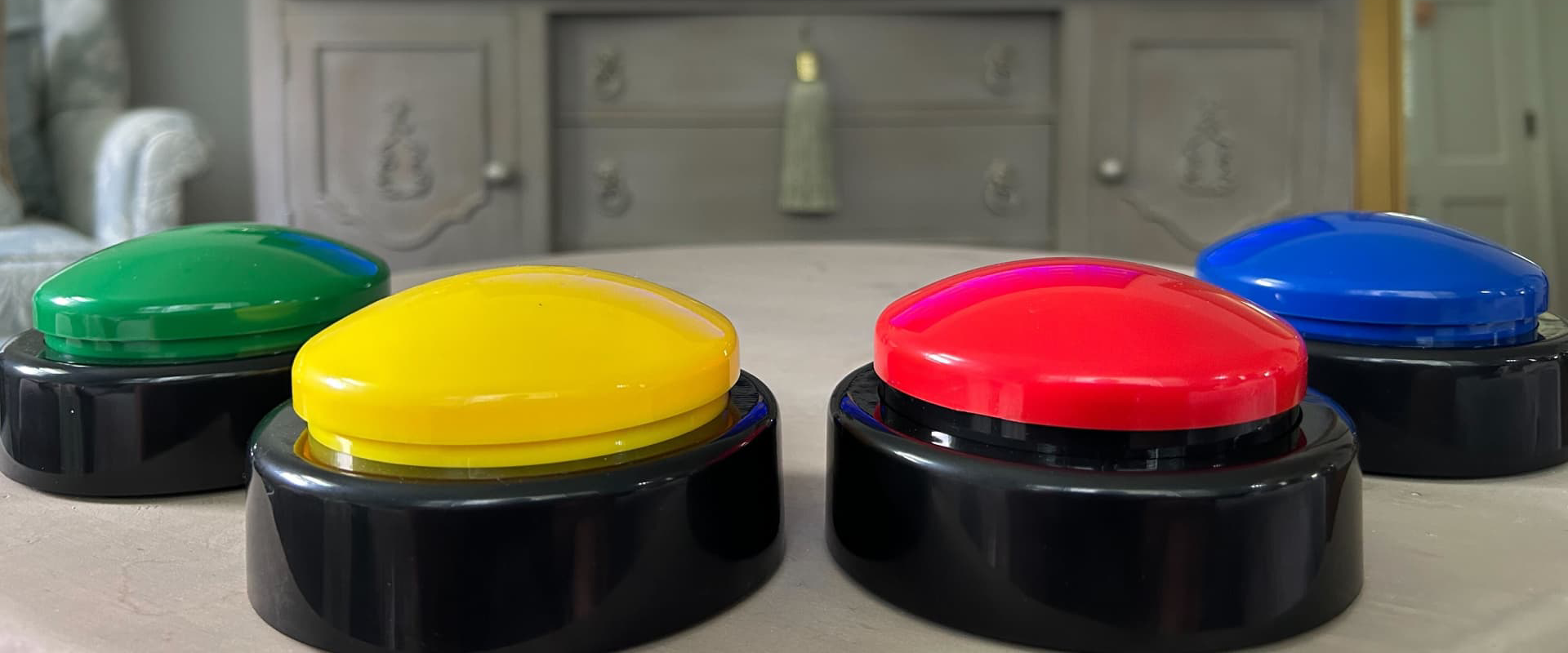
Wireless tabletop buzzers from AffordableBuzzers.com.
Buzzinga has no affiliation with AffordableBuzzers.com, but we found them incredibly easy to set up and use. Since they’re wireless, they don’t get in the way. They each take (and come with) 3 AAA batteries. A small USB adapter plugs into the host’s computer or laptop running Buzzinga, and voilà, it detects key presses from the buzzers. Then, on Buzzinga, the host can navigate to the Buttons & Buzzers page to set up the players with their own player name, buzzer color, and the key that buzzer is mapped to.
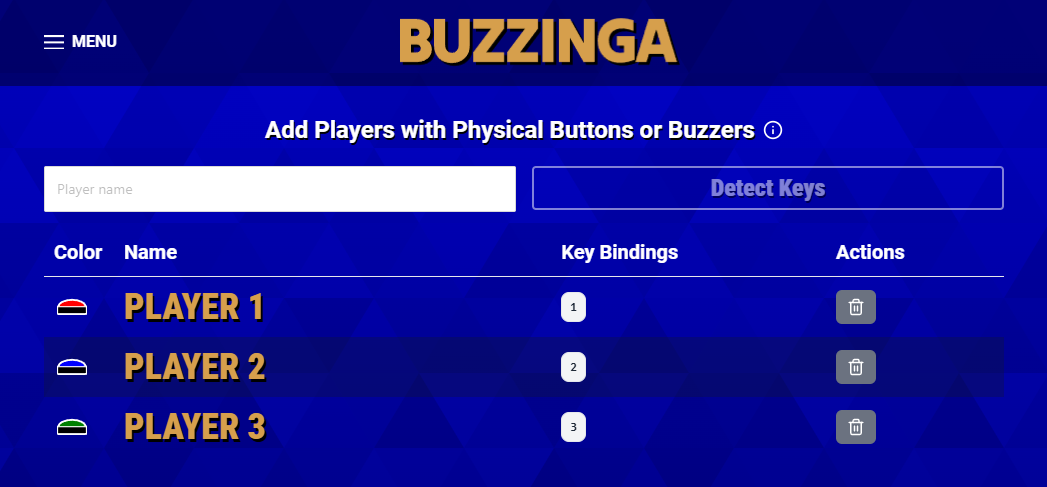
Based on the example above, when Player 1 hits their red buzzer, it sends a keypress of 1 to the host’s computer via the USB adapter and Buzzinga now knows that Player 1 buzzed in.
When you order the buzzers, just add a note specifying which button you want mapped to which keys. Since Buzzinga uses letter-based keyboard keys to help the host navigate the board, we suggest picking a unique number key for each buzzer. For example: Red = 1, Blue = 2, Green = 3, etc.
Final Wager Round Support
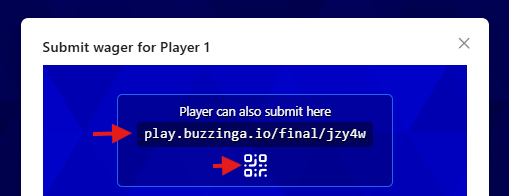
Buzzinga also supports the final wager round for players using physical buzzers. When the host reaches the final wager round, they can click any player underneath “Submit your wagers!” to reveal a small QR code and a direct link. The QR code can be expanded to fullscreen for easy scanning, or players can navigate to the provided link directly.
From there, each player selects their player name and submits their wager and final response using their own device, ensuring a smooth and private final round experience even when physical buzzers are in use.
We hope this helps you create the most authentic Jeopardy game with Buzzinga. Please reach out if you have any other suggestions, questions, or feedback!